

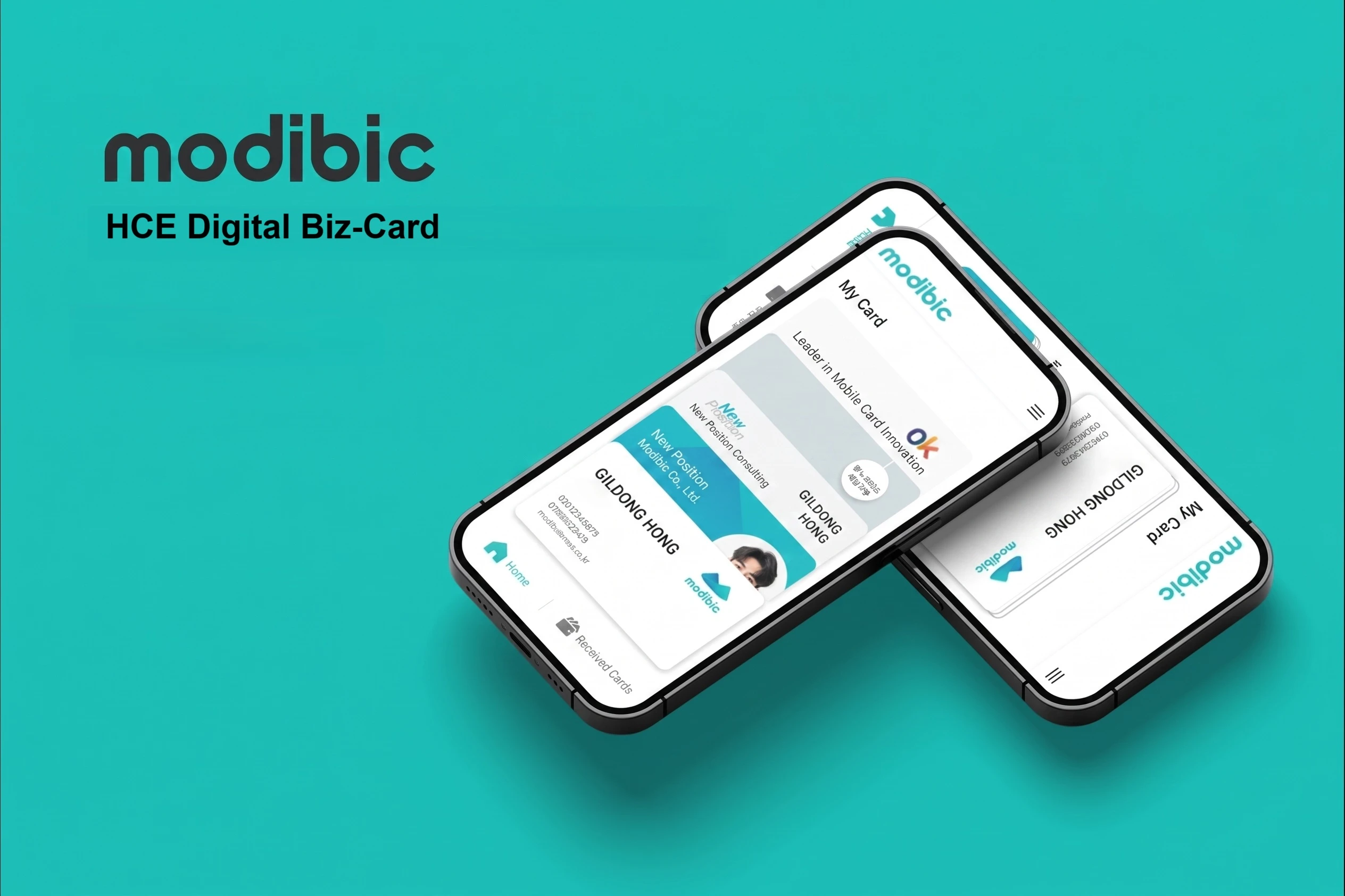
Introduce yourself with a single tap.
Create and share your own digital business cards and manage the cards you receive, all on your phone. Share via NFC, QR code or link. Android devices with NFC and HCE support can share cards directly without a physical NFC card. Recipients can open a QR code or link in their browser without installing modibic. Scan paper cards with AI and keep track of when and where you received them.
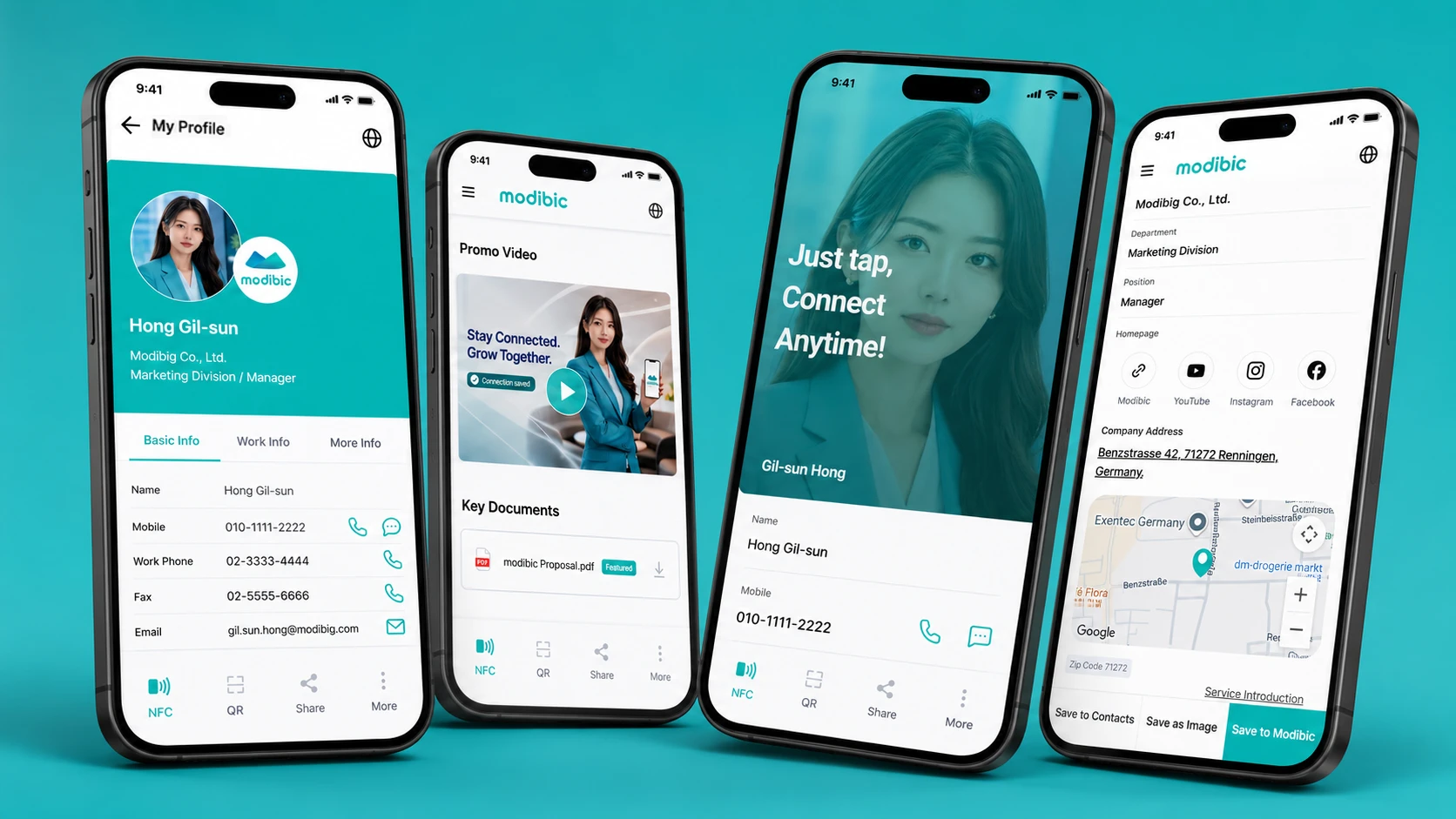
Choose a template and add your profile photo, contact details and social links. Customize the colors to match your brand.
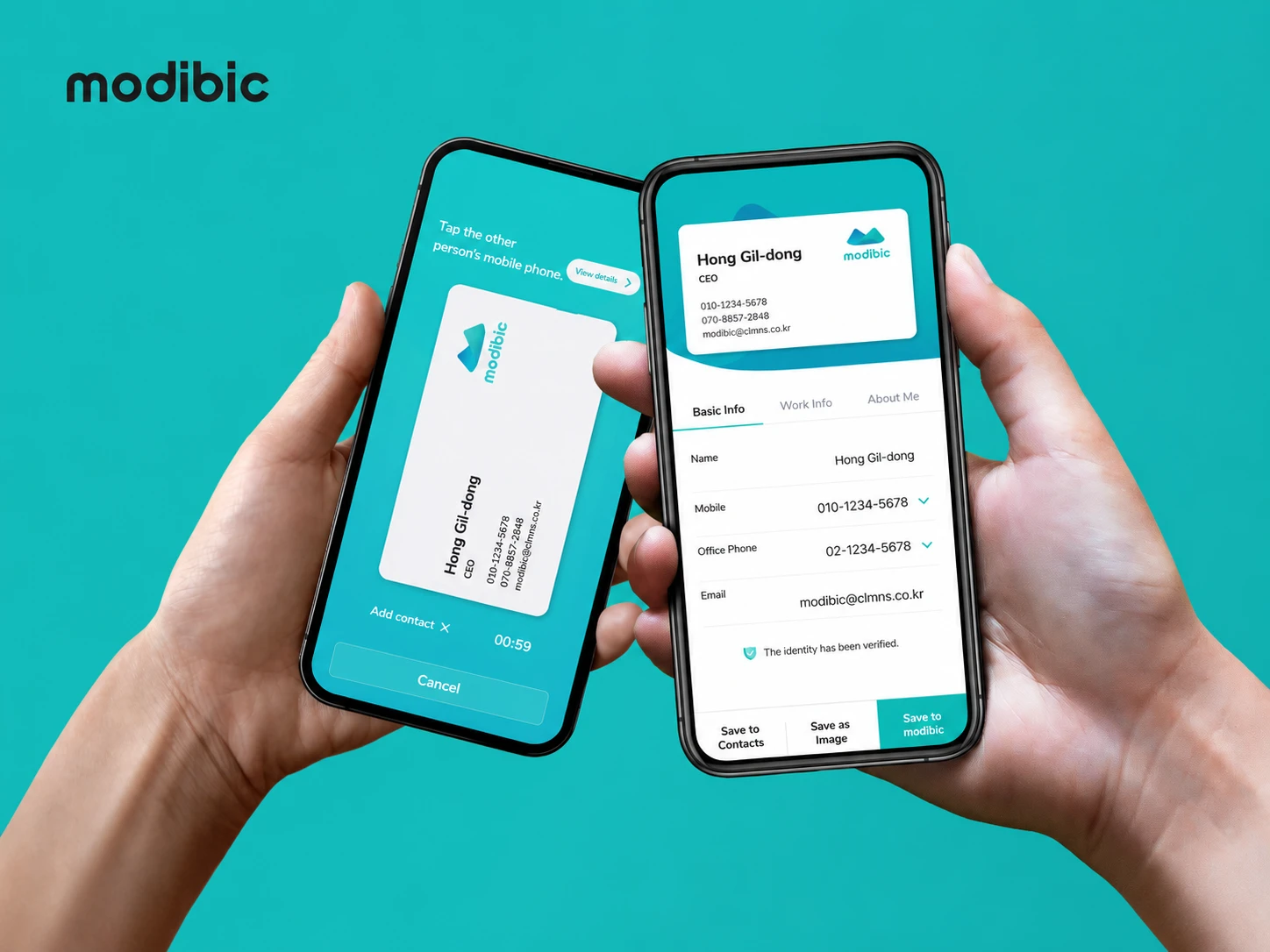
Share your card with a QR code or link, or use NFC tags with supported devices. HCE sending is available on Android devices that support NFC and HCE. Recipients can view your card on the web without the modibic app.
Bring cards from different sources together in modibic. Keep the date and place of each exchange, and review your history and activity at a glance.
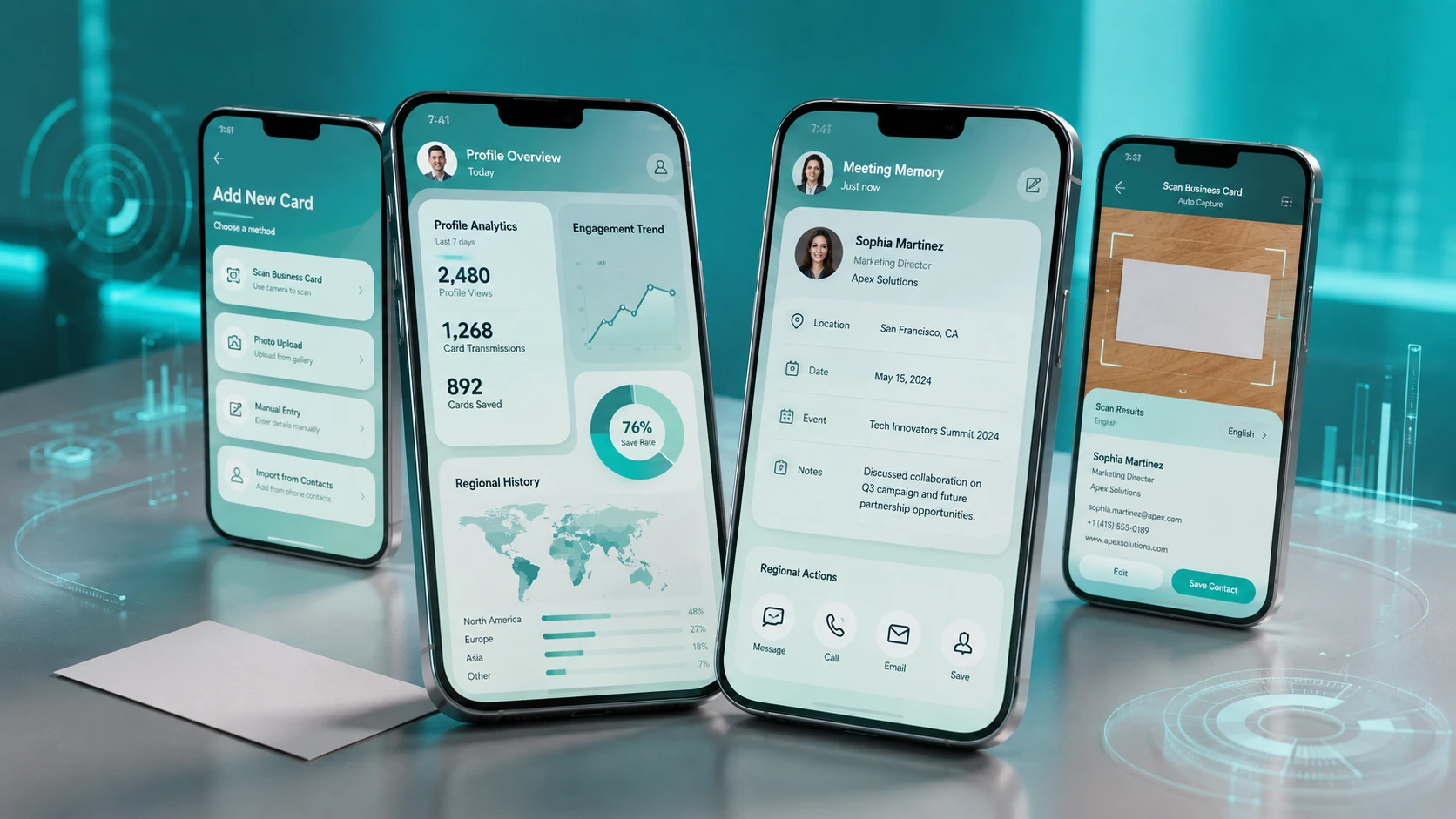
Make more connections. Leave a lasting impression.
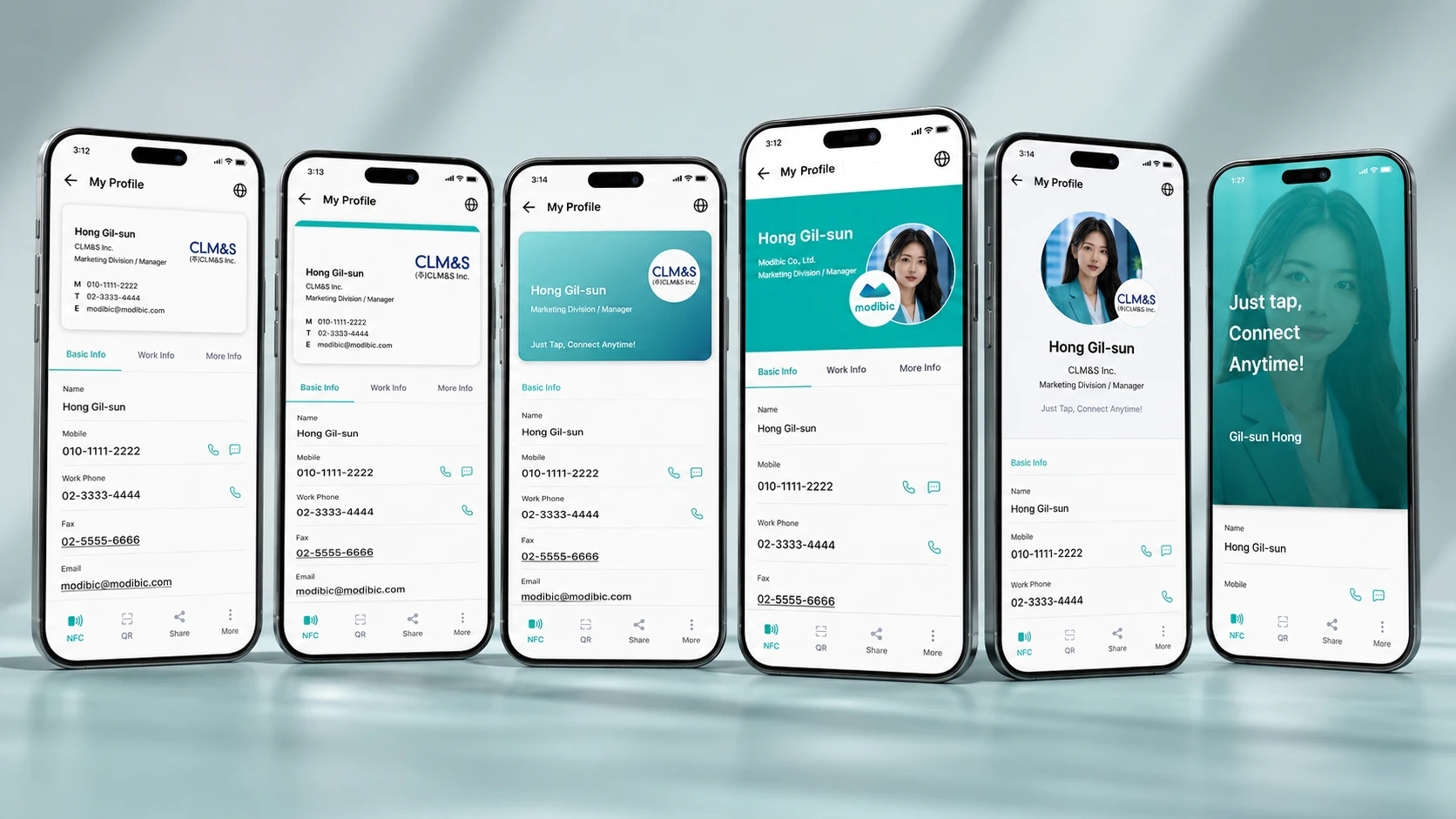
Choose from six card designs. One card cannot capture every side of you: use multiple profiles to present the right version of yourself for each audience and occasion.
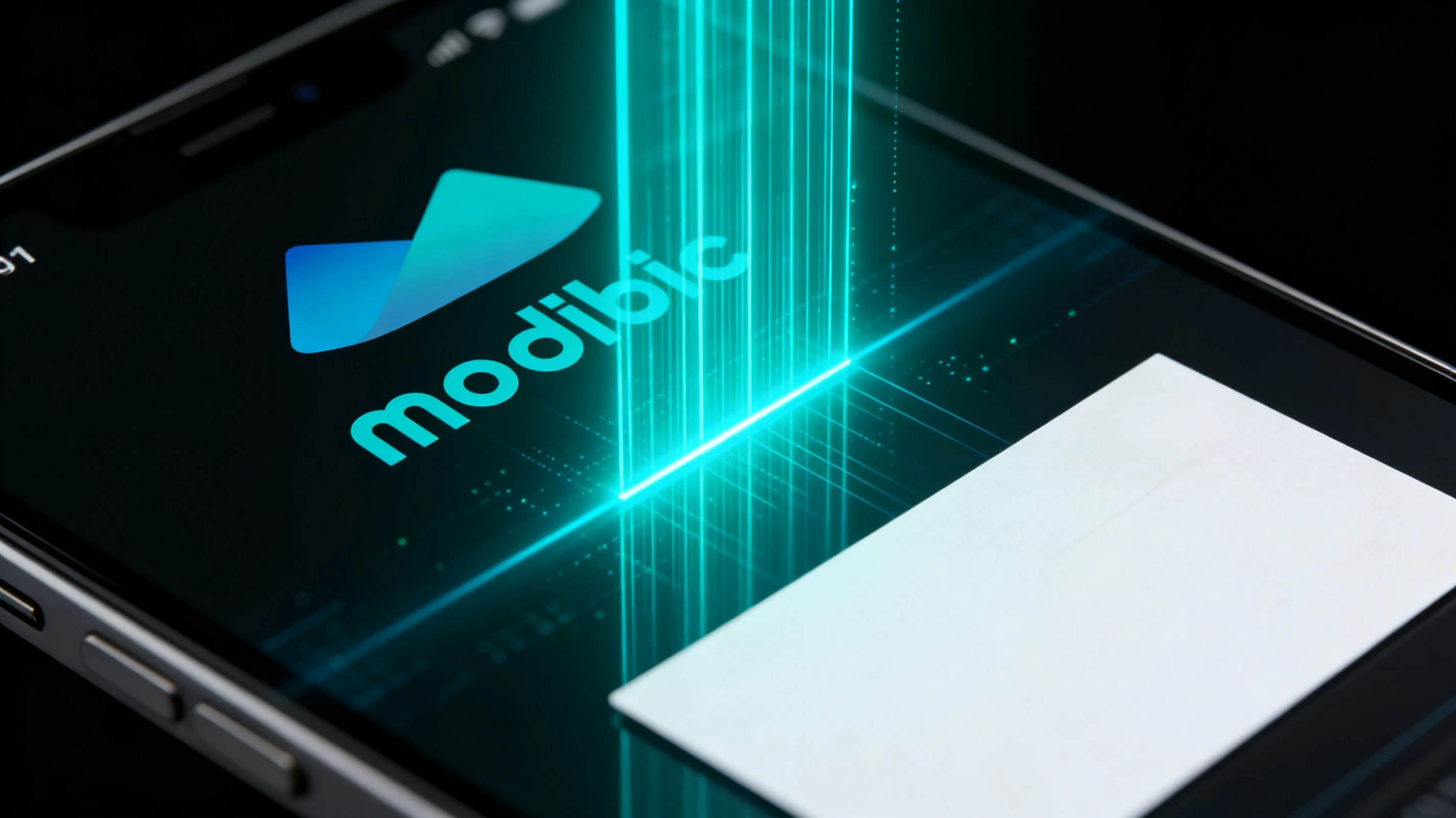
Take a photo of a paper card and AI reads details such as names and contact information. Results vary with image quality and card layout, so review the automatically saved card and edit any details that need correcting.
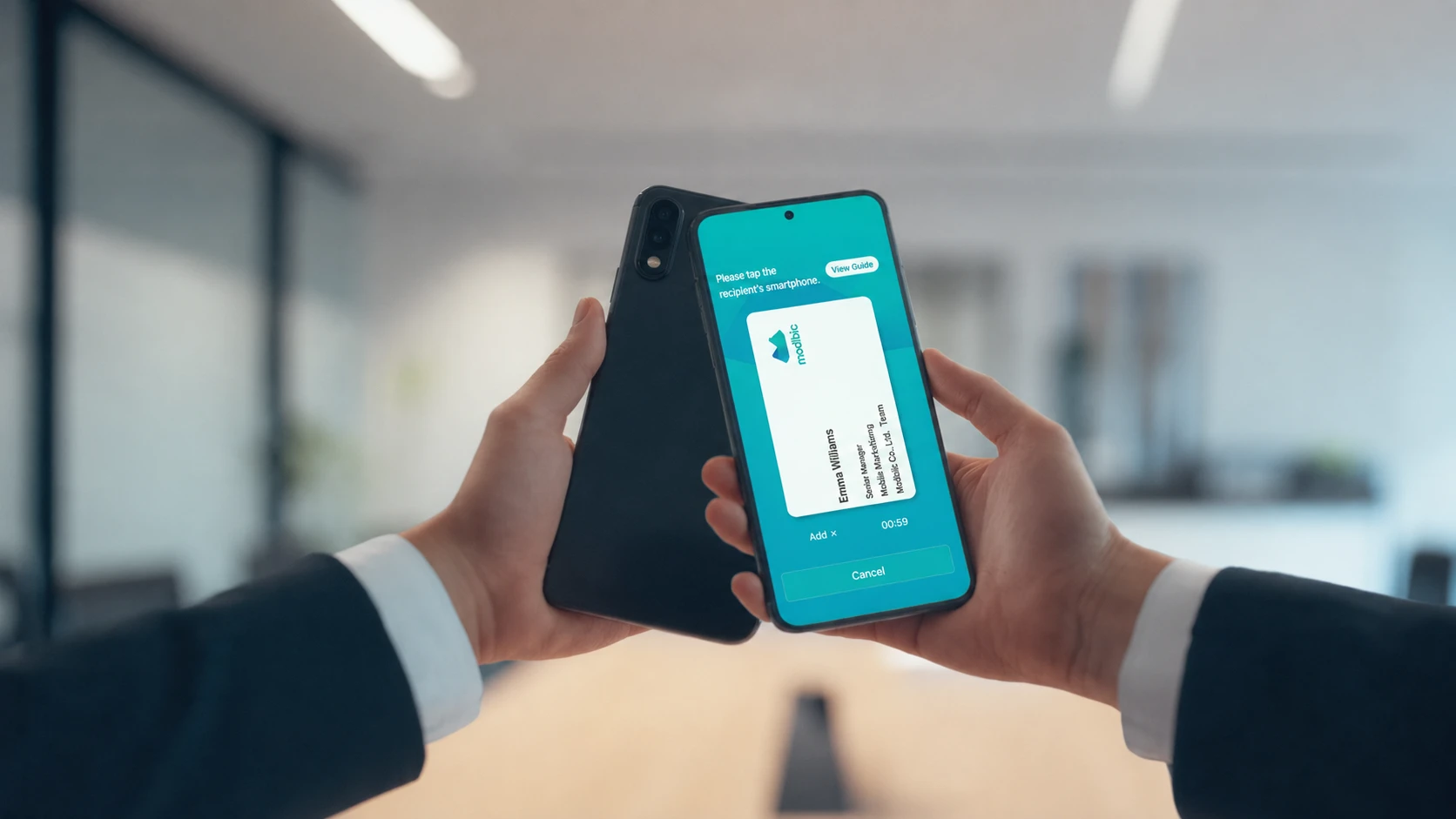
Send your digital card from an Android phone with NFC and HCE support. Availability depends on the receiving device's NFC support and settings. QR codes and links are also available.
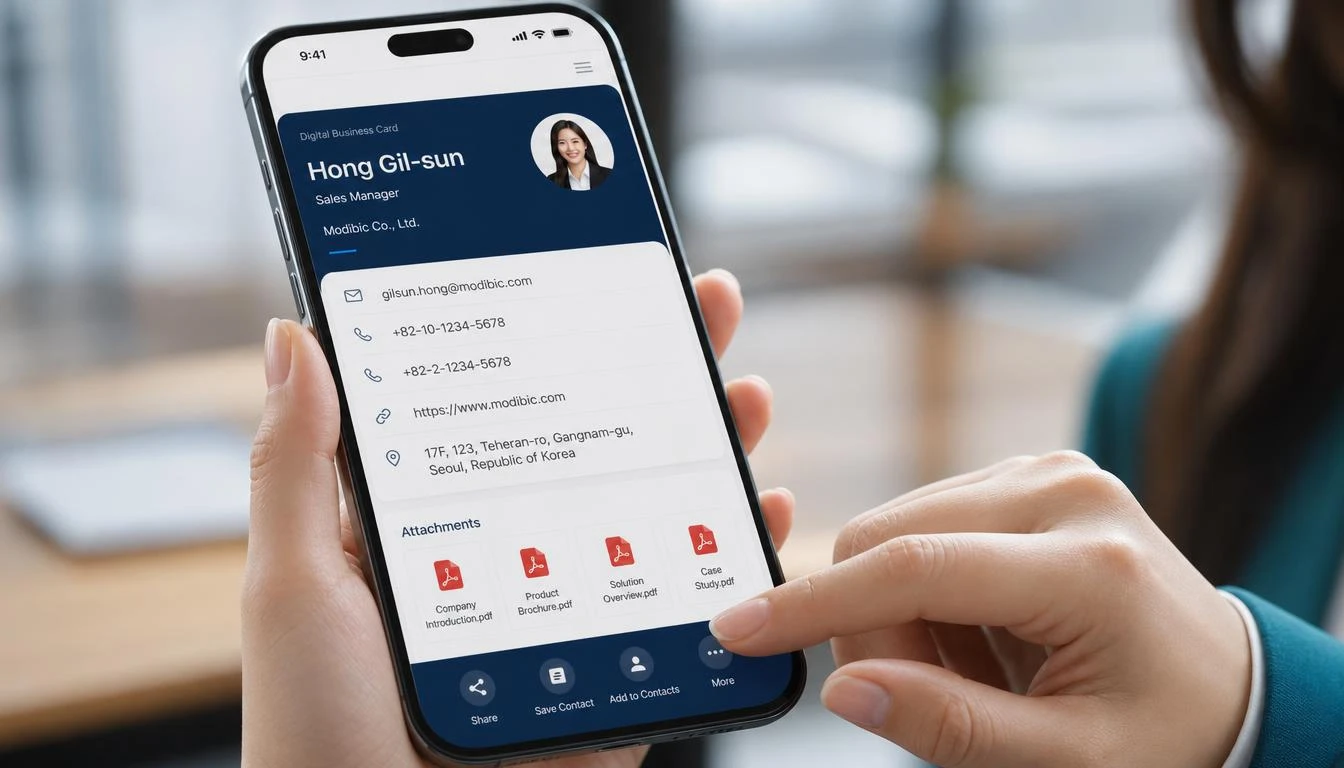
Add YouTube video links and PDF attachments.
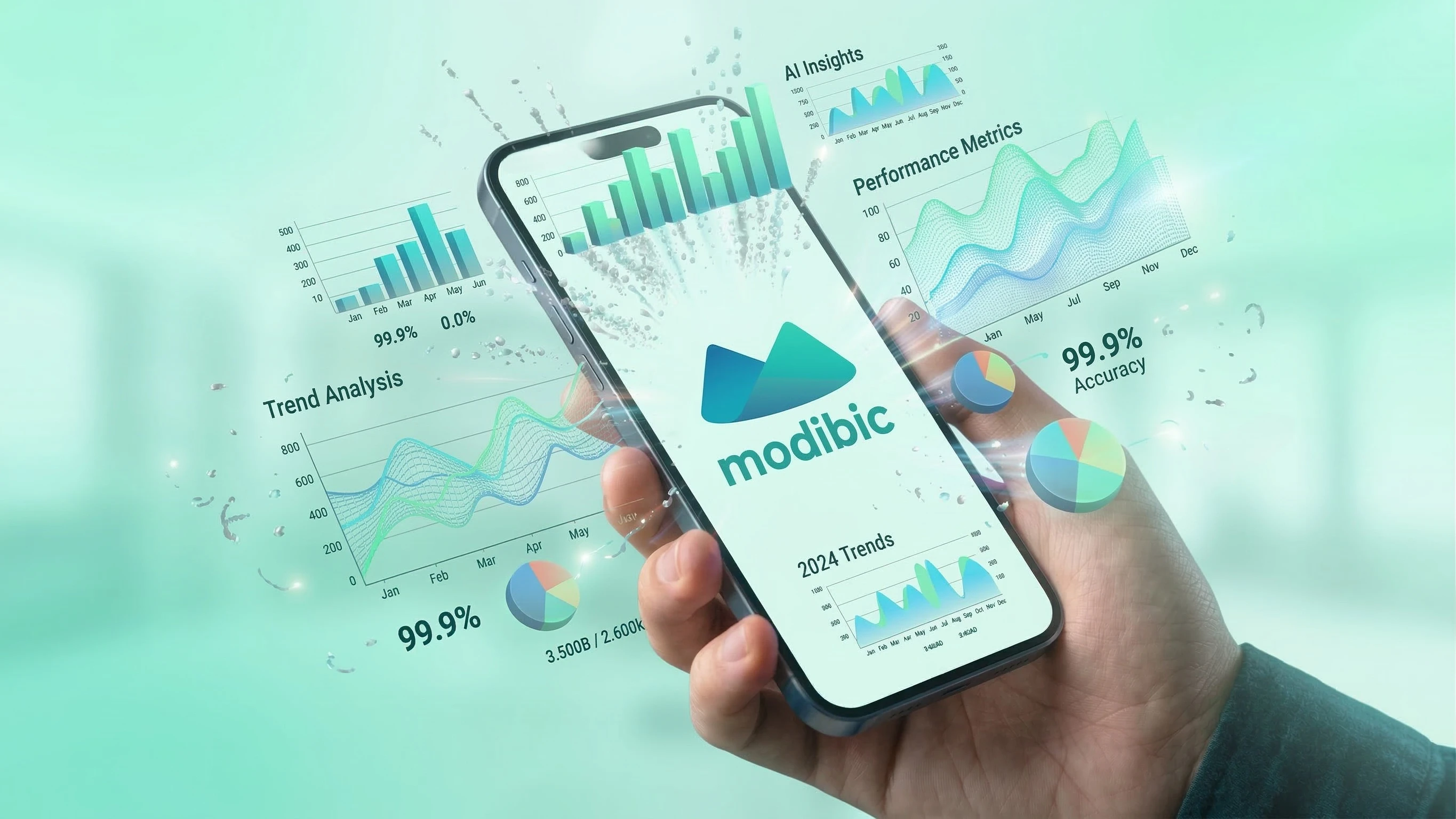
See how often you share your cards and how often recipients save them. Explore your busiest months, days and regions, and find out which card designs you use most to better understand your networking activity.
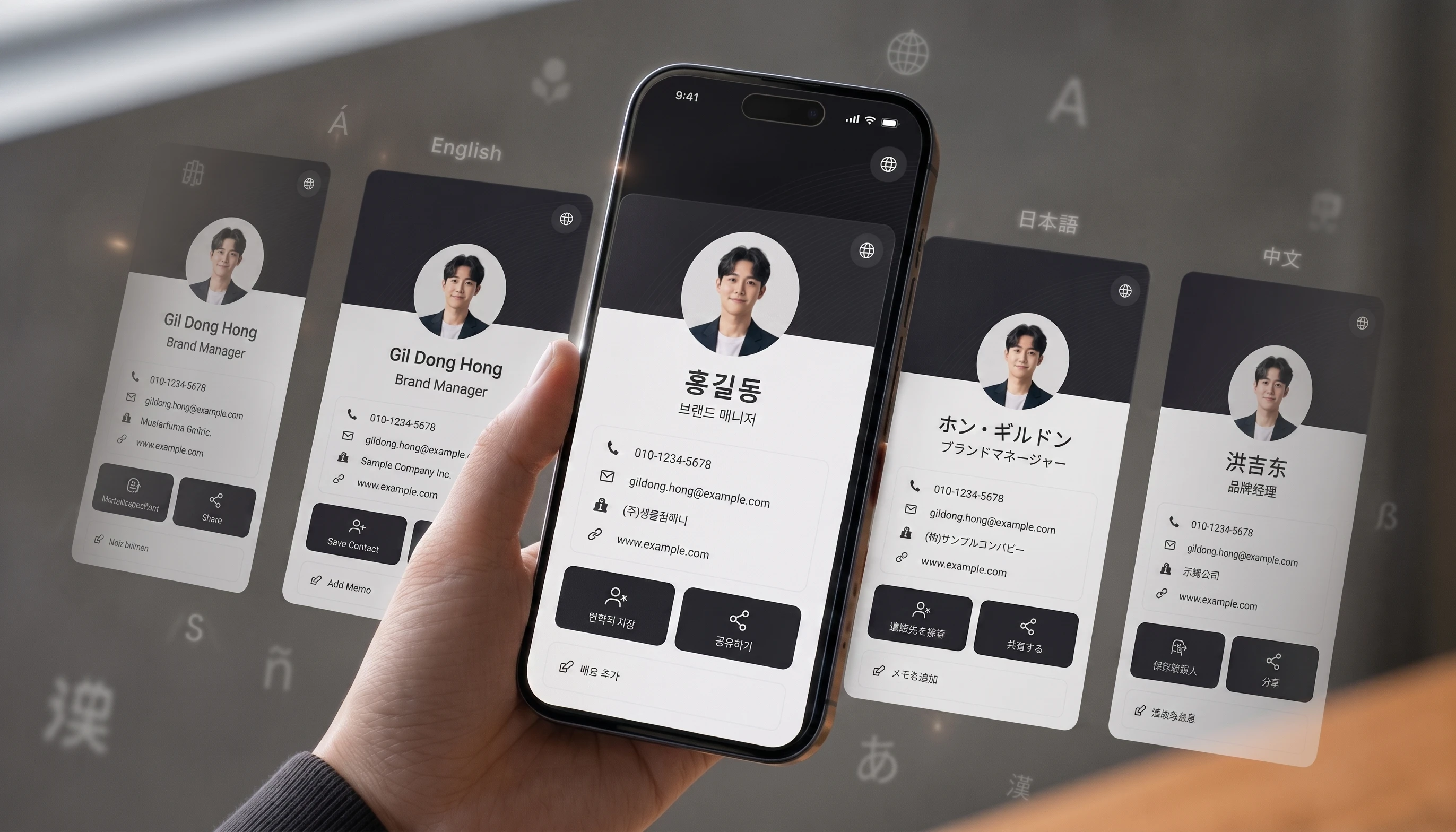
When you share a card, modibic adapts its content to the recipient's browser region and language settings.
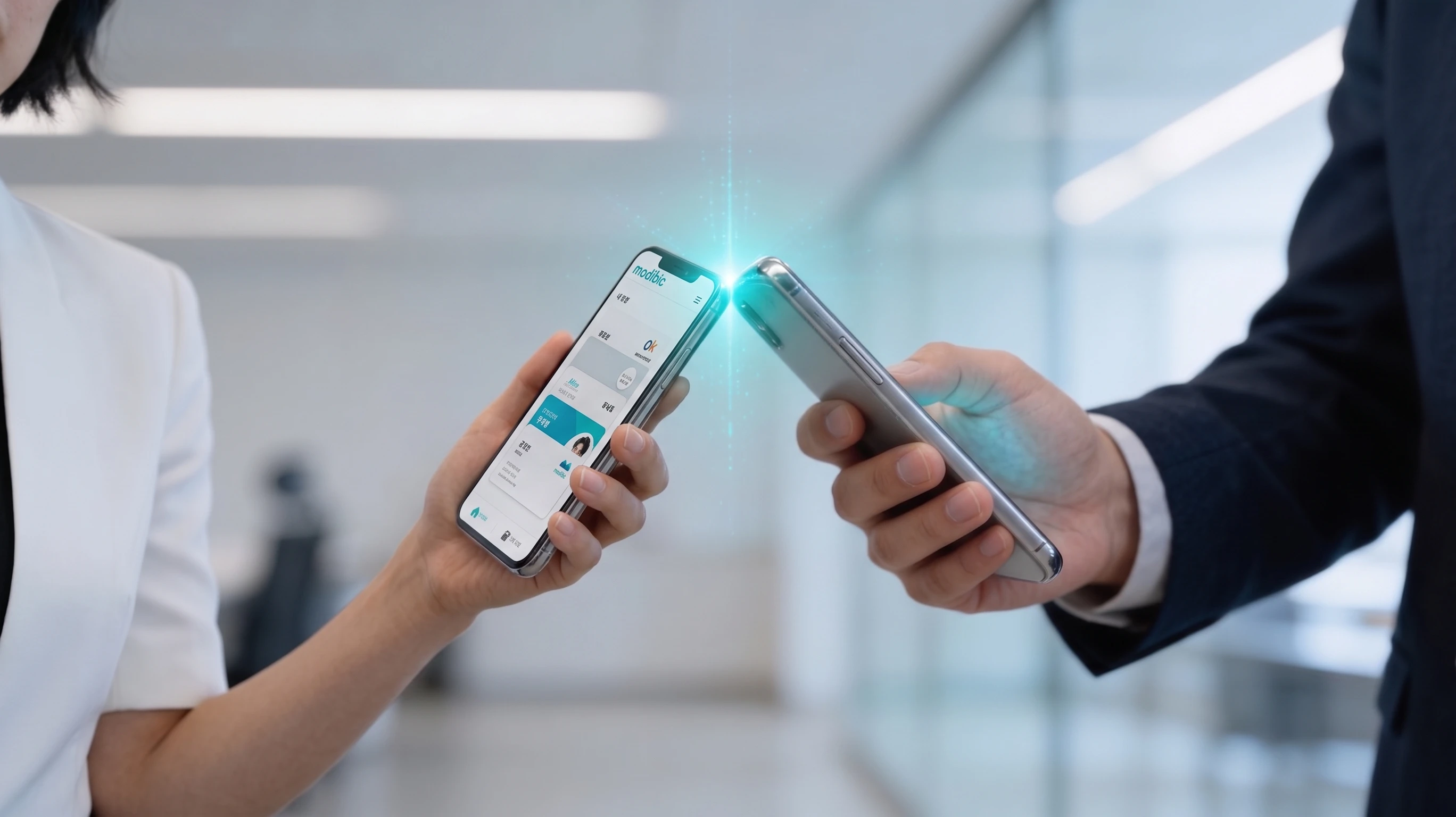
Share from an Android phone that supports NFC and HCE, without a separate NFC card. Check the receiving device's NFC support and settings.
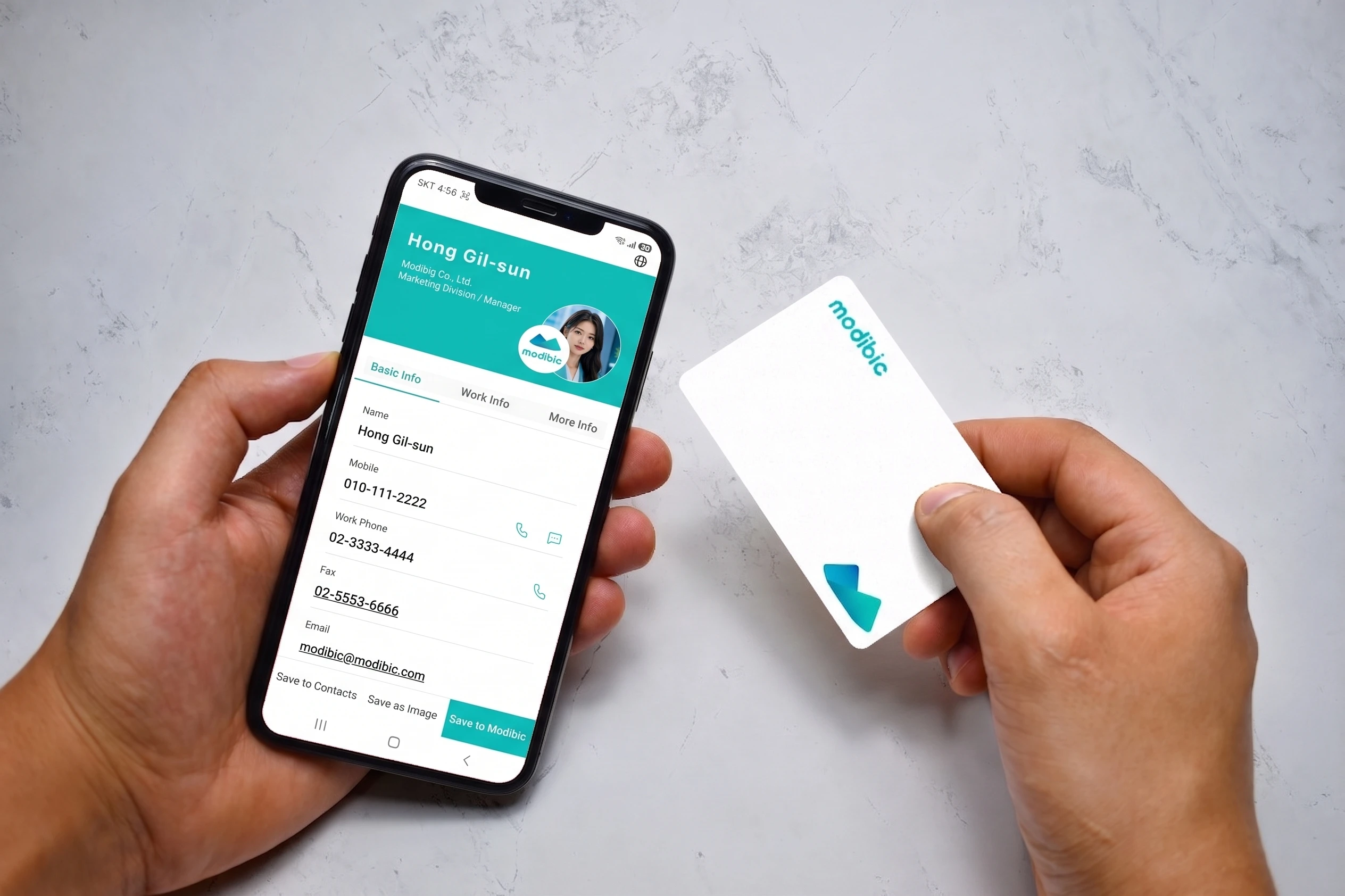
Hold an NFC card or badge near the recipient's phone to share in a second.
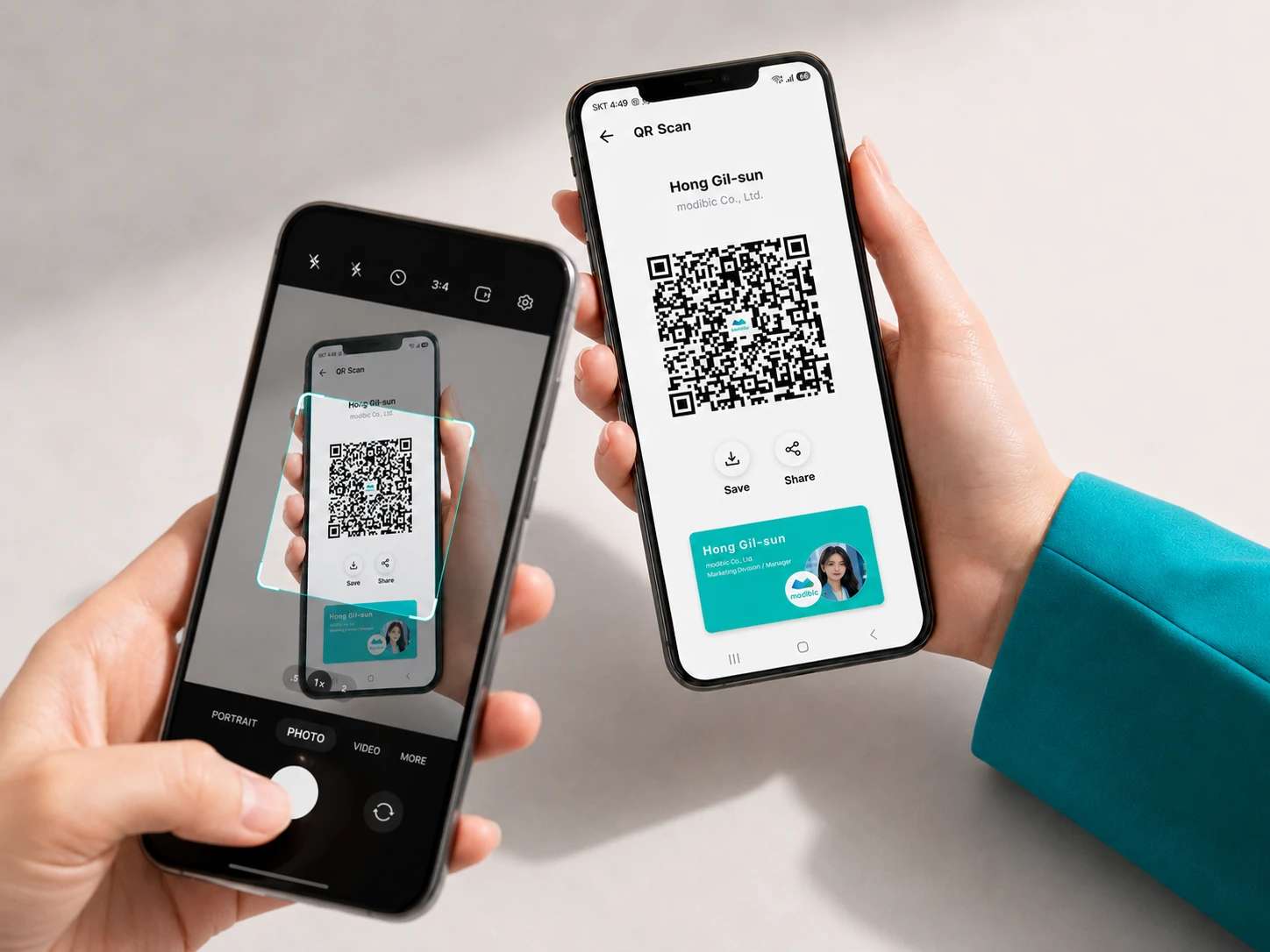
Scan the QR code with a camera app to open the card page. No app installation needed.

Send a link via messaging apps, SMS, email or social media so your card can be viewed anywhere.
"Paper cards kept piling up at work, and it became hard to organize them or remember who was who. I wish I had tried modibic sooner! I can save cards as contacts and organize them with tags, making it easy to find people by role or company before a meeting."
"I work in sales and get two or three cards a day. I used to keep notes in a notebook. With modibic, I photograph each card and record when, where and why we met. It also creates a digital card when I send my details by text or chat, which really helps at work!"
"There is no need to exchange paper cards anymore. I can share mine with a tap using NFC or a QR code, and the information I receive is saved with the time and place, making it easy to check later."
"At first I thought it was just a digital replacement for paper cards, but it does much more. I recommended it to people I know who run their own businesses, and they liked it too. It is convenient and useful!"
"I do not carry paper cards much anymore, which was awkward when meeting clients. Then I found modibic! Being able to create and share digital cards for different situations is very convenient. I am really happy with it :-)"
"I used to stuff cards into my wallet, and the corners would get worn out. Keeping them in good condition was difficult. modibic makes them easy to keep, so I would recommend it to my business contacts!"
"It is useful for finding cards. The interface is intuitive even for a first-time user, and it offers more useful features than I expected. I have been recommending modibic to people I know."
"Paper cards kept piling up at work, and it became hard to organize them or remember who was who. I wish I had tried modibic sooner! I can save cards as contacts and organize them with tags, making it easy to find people by role or company before a meeting."
"I work in sales and get two or three cards a day. I used to keep notes in a notebook. With modibic, I photograph each card and record when, where and why we met. It also creates a digital card when I send my details by text or chat, which really helps at work!"
"There is no need to exchange paper cards anymore. I can share mine with a tap using NFC or a QR code, and the information I receive is saved with the time and place, making it easy to check later."
"I do not carry paper cards much anymore, which was awkward when meeting clients. Then I found modibic! Being able to create and share digital cards for different situations is very convenient. I am really happy with it :-)"
From individuals to teams, choose a plan that brings modibic's features within reach.
All prices are in South Korean won (KRW), excluding tax.
Try modibic today
For freelancers and professionals
A business solution for teams and enterprises
mOCR reads a paper card, automatically saves it as a received card and generates AI insights. Cards added by taking or importing a photo get these insights automatically. For cards entered manually or imported from phone contacts, use the AI insights button on the card details screen. You can review and edit both the generated information and recognized details on the received card's edit screen.
Photograph or select images of up to 50 different paper cards in one batch. During processing, choose the option to work on other tasks to keep using the app; closing the app stops the analysis. Review the saved cards afterwards and edit any details that need correcting. The 50-card batch limit is separate from the Free plan's 30-card storage limit. Double-sided registration is not supported for received cards.
Search using text stored in your cards. For example, enter a place name as it appears in a saved address to find matching cards. Organize cards into groups and keep notes, dates and locations to help you find people using clues beyond their names.
On Android devices that support NFC and HCE, you can send a card directly from your phone. Continuous sharing keeps the sharing screen open after each recipient, so you can pass your card to the next person. Check the receiving device's NFC support and settings. On iPhone, use a QR code or NFC tag instead of HCE sending.
Show the QR code on your card or send its link by SMS, messaging app or email. Recipients can scan the code or open the link to view your card on the web without installing modibic. On supported devices, an NFC tag can also open the card's link.
Add a language from your card's multilingual menu to automatically translate the information you entered. Edit translated fields individually, including names and work details, to refine the wording before sharing with international contacts. You can also delete an individual language version without removing the others.
When entering details manually, choose a card or profile layout and a style, then add your name, contact details, work information and links. Professional lets you manage up to nine personal cards and choose the right one for each role. Free lets you start with one. Cards created from photos do not support design changes, unlike manually created cards.
Card analytics show shares, saves and received cards, with history by period and region. Filter by card and sharing method to see which cards you shared and how. A share is counted when a sharing URL is created, while a save is counted when a card is saved in the app; neither is a simple count of web page views.
Plan details, terms and linked company materials are currently provided in Korean.
Start today with the Free plan.
A business solution for teams and enterprises.
Discover the key features of modibic Enterprise.
Ready to bring modibic Enterprise to your team?
Sign up and help your team work more efficiently.

Please check for missing or incorrect information.